
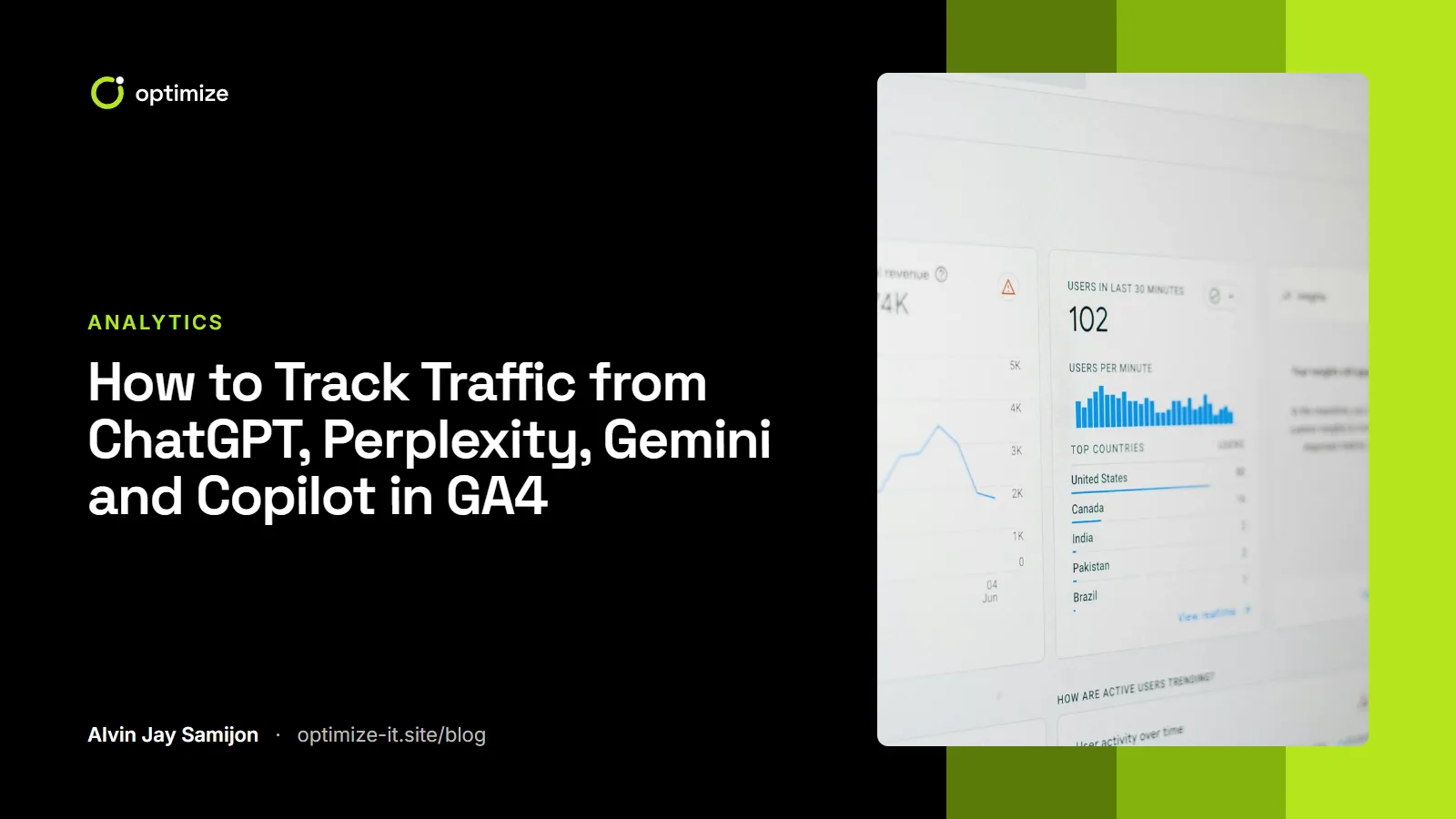
Quick answer: to track AI search traffic in Google Analytics 4, create a custom channel group with an "AI assistants" channel whose session source matches a regular expression of AI domains (chatgpt.com, perplexity.ai, gemini.google.com, copilot.microsoft.com, claude.ai and others), then move it above "Referral". GA4 will then report AI visits, engagement and key events as their own channel, including for past data.
Why AI traffic deserves its own channel
When someone asks ChatGPT or Perplexity for a recommendation and clicks a cited link, they usually land on your site with a referrer such as chatgpt.com or perplexity.ai. By default GA4 files those sessions under Referral, mixed in with directory links, partner sites and spam. You cannot see the trend, and you cannot tell whether AI visitors convert better or worse than search visitors.
That matters because AI answers behave differently from a list of blue links. People arrive having already read a summary that mentioned you, so they may be fewer but further along in their decision. You only know if that is true for your site once you separate them.
Step 1: Create a custom channel group
- In GA4, open Admin → Data display → Channel groups.
- Click Create new channel group. GA4 copies the default channels so you start with everything you already have.
- Name it something like "Channels incl. AI".
- Click Add new channel and call it AI assistants.
- Set the condition to Session source → matches regex and paste the expression below.
- Save, then use Reorder to drag "AI assistants" above Referral. GA4 checks channels from top to bottom and assigns a session to the first match, so order matters.
.*(chatgpt\.com|chat\.openai\.com|perplexity\.ai|gemini\.google\.com|bard\.google\.com|copilot\.microsoft\.com|claude\.ai|meta\.ai|you\.com|deepseek\.com|grok\.com|mistral\.ai).*The leading and trailing .* make the pattern work whether GA4 treats it as a full or partial match, and they also catch subdomains.
Step 2: Use the channel in your reports
Custom channel groups apply to historical data, so you can look back immediately.
- Reports → Acquisition → Traffic acquisition, then switch the primary dimension to your new channel group (the dropdown above the table).
- Compare sessions, engagement rate and key events (what GA4 used to call conversions) for AI assistants against Organic Search and Referral.
- For detail, build an Explore → Free form report with Session source and Landing page + query string as rows, and sessions plus key events as values. This shows which pages AI tools send people to, which is a strong hint about which pages they cite.
What GA4 cannot see
Be honest with yourself about the gaps. AI search measurement is still young.
| Situation | How it shows up in GA4 |
|---|---|
| Click on a cited link in ChatGPT, Perplexity, Copilot, Claude or Gemini on the web | Usually the AI domain as source (often with utm_source=chatgpt.com added by ChatGPT) |
| Click from a desktop or mobile app that strips the referrer | Direct |
| Person reads the AI answer, then searches your brand on Google | Organic Search (brand query) |
| Click from Google AI Overviews or AI Mode | Organic Search, blended with normal Google results |
| AI crawlers such as GPTBot, OAI-SearchBot, PerplexityBot or ClaudeBot reading your pages | Not in GA4 at all, because bots do not run your analytics tag |
So treat the AI assistants channel as a floor, not a total. Two extra signals help fill the gap:
- Branded search in Google Search Console. If impressions for your brand name rise while AI referrals rise, AI mentions are probably driving some of it. Google has said AI Overviews and AI Mode activity is included in Search Console's Performance report, blended with regular results.
- Server or CDN logs. Your hosting logs show when AI crawlers fetch your pages, which tells you whether you are even being read.
Step 3: Ask visitors
The simplest attribution tool is still a question. Add an optional "How did you hear about us?" field to your contact or booking form and include "ChatGPT or another AI assistant" as a choice. It catches the people who never click a link at all.
Turning the data into decisions
Once AI traffic has its own line, look for patterns:
- Which landing pages get AI visits? Those pages are being cited. Make sure they load fast, answer the question in the first lines and have a clear next step.
- Do AI visitors convert? If they engage well but rarely enquire, the page may answer the question so completely that people leave satisfied. Add a reason to act, such as a free audit, a calculator or a checklist.
- Which pages get no AI visits but should? Those are candidates for the answer-first rewrites described in our AEO guide and the wider GEO playbook.
If GA4 itself is not set up properly yet, start with our GA4 and Microsoft Clarity setup guide first. Bad key events make every channel report misleading.
Frequently asked questions
Does GA4 track ChatGPT traffic automatically?
Partly. Visits with a chatgpt.com referrer are recorded, but GA4 groups them under Referral. You need a custom channel group to see them as their own channel.
Why is my AI traffic so low?
Usually because many AI tools answer without sending a click, and because app traffic often arrives as Direct. Low numbers can still be valuable if those visitors convert well. Also check that your robots.txt and firewall are not blocking AI search crawlers.
Can I see Google AI Overviews traffic separately?
Not in GA4 today. Clicks from AI Overviews and AI Mode arrive as normal Google organic traffic. Search Console includes them in its totals but does not break them out.
Should I add Claude, DeepSeek or other tools to the regex?
Yes. Add any AI domain that appears in your referral list. Review the Referral report every few months, because new assistants keep appearing.
Want this set up for you, with dashboards that show what AI search is worth to your business? See our analytics and tracking service or our AI search optimization service.