
Quick answer: a tourism or hospitality website that wins bookings shows the experience with great photos and video, makes prices, availability and the booking button visible on every tour or room page, offers instant online booking with secure payment, builds trust with reviews and clear policies, loads fast on phones, and answers practical questions such as meeting points, what to bring and cancellation terms. Direct bookings through your own site also help you keep more of each sale compared with commission-based booking platforms.
Why your own website matters
Online travel agencies and marketplaces bring visibility, but they often take a significant commission per booking and control the customer relationship. Every booking made directly on your website keeps more revenue and lets you build a relationship with that guest for repeat visits and referrals.
Many travelers discover you on a marketplace or map listing, then check your website before deciding. If your site is slow, unclear or makes booking hard, they go back and book elsewhere.
The anatomy of a booking-focused tour page
1. A clear headline and summary
Say what the experience is, where, how long and for whom: "Private boat tour to the Blue Lagoon, Comino and Gozo: full day, up to 12 guests, departing from Malta."
2. Photos and video that sell the experience
Show real guests, the boat, the views, the food, the room. Use high-quality images that are compressed for speed. A short video often answers more questions than paragraphs of text.
3. Price, duration and availability up front
Do not hide the price. Show "from" prices, duration, group size and the next available dates near the top of the page.
4. A booking button that is always visible
On mobile, a sticky "Check availability" or "Book now" button keeps the action one tap away.
5. Instant online booking
Real-time availability and instant confirmation convert far better than "send us an inquiry and we will get back to you". Tour booking systems such as FareHarbor, Bókun, Rezdy and Checkfront integrate with most websites. For hotels and restaurants, use your booking or table reservation engine directly on the site.
6. Practical details
Meeting point with a map, what is included, what to bring, accessibility, weather policy, cancellation terms. These answers reduce messages and remove doubt.
7. Reviews and trust
Show your ratings from Google and travel platforms, and quote recent reviews. Add certifications, licenses and safety information where relevant.
Speed and mobile are non-negotiable
Many travelers browse and book on their phones, sometimes on hotel Wi-Fi or mobile data abroad. Heavy sliders, uncompressed photos and slow booking widgets lose bookings. Test your full booking flow on a mid-range phone with a slow connection.
SEO for tourism businesses
- Target experience and location keywords: "boat tour Gozo", "catering Tallinn", "glamping near [region]".
- Create one page per tour or offer, not a single page listing everything.
- Optimize your Google Business Profile with photos, booking links and reviews.
- Write helpful guides for your destination, such as best time to visit or what to see, and link them to your tours.
- Add schema markup such as LocalBusiness, Product or TouristTrip and FAQPage.
- Consider languages your guests speak, with proper hreflang setup.
Getting recommended by AI travel planners
Travelers increasingly ask AI assistants to plan trips and suggest tours. To be included:
- Keep facts consistent across your website, Google Business Profile and listing platforms.
- Publish clear, specific information: duration, price ranges, inclusions, departure points.
- Earn reviews and mentions on travel sites and blogs.
- Make your site crawlable and structured. See our GEO guide.
Examples from our work
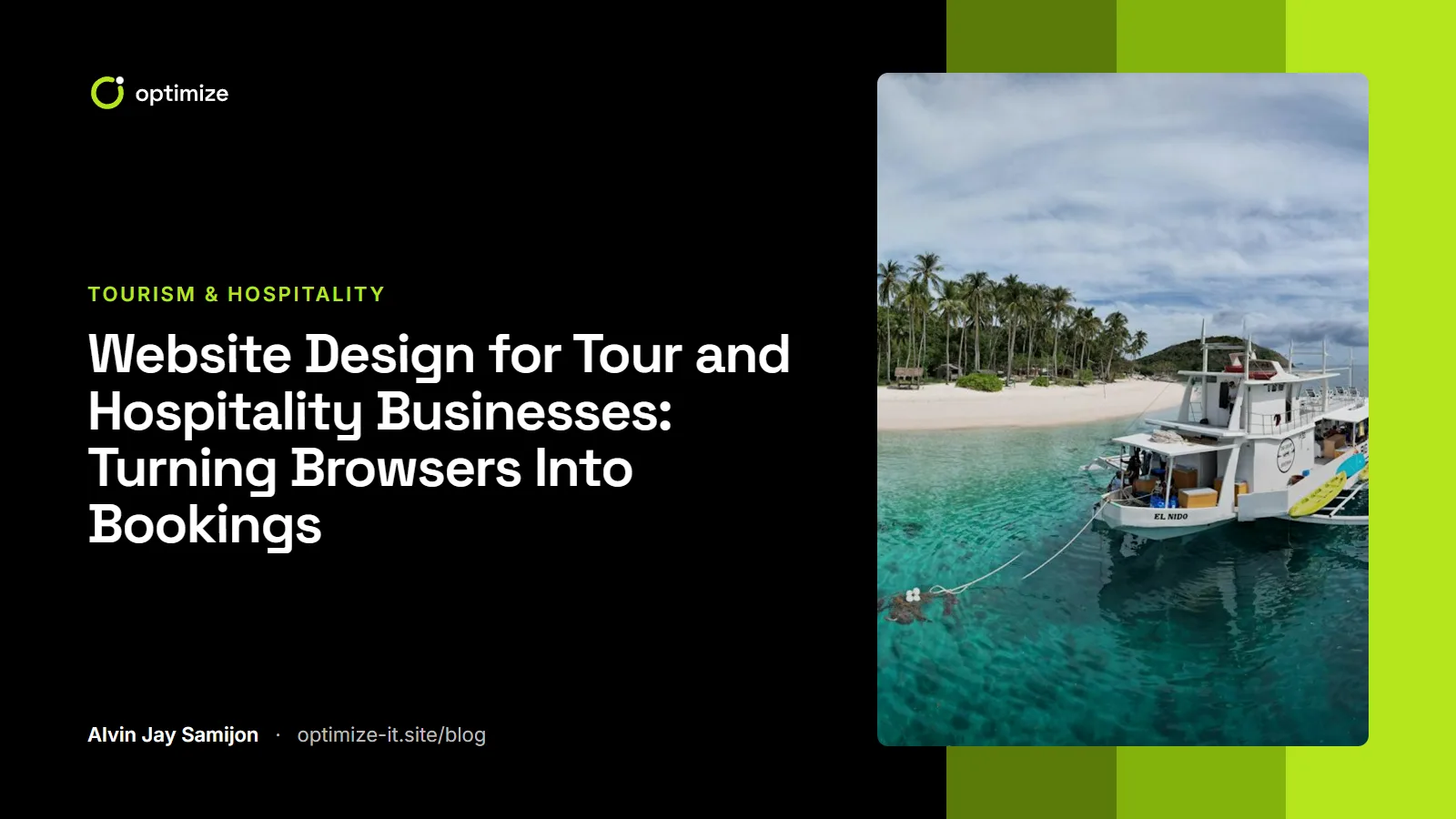
We have designed websites for tourism and hospitality businesses such as Gozoblu, a private boat tour company in Malta, and Kataköök, a catering service in Estonia. Each one is built around the same principle: show the experience, answer practical questions and make the next step easy. See more in our portfolio.
Hospitality website checklist
- One page per tour, room type or package
- Price, duration and availability near the top
- Sticky booking button on mobile
- Real-time booking with instant confirmation
- High-quality, compressed photos and short video
- Reviews and ratings near the booking button
- Meeting point map and practical details
- Clear cancellation and refund policy
- Fast loading on mobile data
- Booking conversions tracked in analytics
Frequently asked questions
Should I use a booking system or an inquiry form?
For most tours and stays, real-time booking with instant confirmation converts better than an inquiry form. Keep an inquiry option for private groups and custom requests.
How can I get more direct bookings instead of marketplace bookings?
Make direct booking as easy as on the marketplace, show the same reviews and trust signals, and give a reason to book direct, such as flexible changes or a small perk.
Do I need a multilingual website?
If a large share of your guests speak another language, translated pages can improve both conversions and search visibility in those markets. Use professional translation and proper hreflang tags.
Run tours, a venue or a hospitality business? Our web design and development service and landing pages service are built around bookings.