
Quick answer: lead automation connects your website forms, booking tools and chat to your email, CRM and phone so every new inquiry is captured, acknowledged instantly, assigned to the right person and followed up on schedule. Start with four automations: an instant confirmation email, an immediate notification to your team, automatic entry into a CRM or spreadsheet, and a follow-up reminder if no one has replied within a set time.
Why response speed matters
A widely cited Harvard Business Review study of online sales leads found that companies that contacted potential customers within an hour of receiving a query were nearly seven times as likely to qualify the lead as those that waited longer, and many companies took far longer than that. The principle still holds: the first business to respond helpfully often wins the job.
Small businesses rarely lose leads because they do not care. They lose them because inquiries land in a busy inbox, the owner is on a job site, or a form sends emails to an address nobody checks.
The four essential lead automations
1. Instant acknowledgement
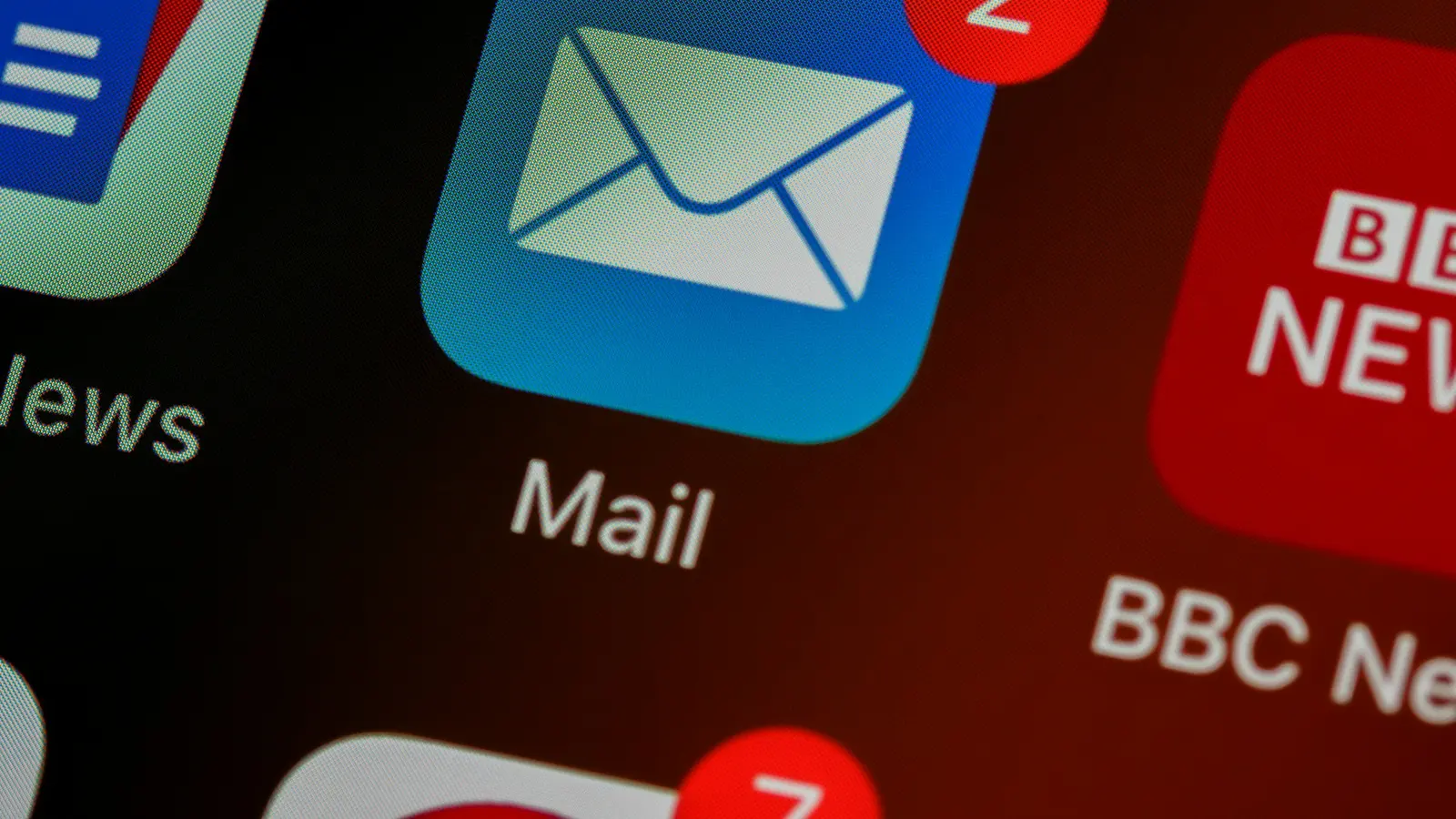
As soon as someone submits a form, send an email that confirms you received it, tells them when and how you will reply, and gives them something useful in the meantime, such as a price guide, portfolio link or booking link.
2. Immediate team notification
Send new leads to where you actually look: a mobile push notification, a WhatsApp or Slack message, or an SMS. Include the key details so you can reply from your phone.
3. Automatic CRM entry
Every inquiry should become a record in a CRM (such as HubSpot, Pipedrive or Zoho) or at least a shared spreadsheet, with source, service interest and status. This stops leads getting lost and shows which marketing works.
4. Follow-up reminders
If a lead has not been contacted within, say, two business hours, send a reminder or reassign it. If a quote has not been answered after a few days, schedule a friendly follow-up.
More automations worth adding
- Lead routing: send inquiries to the right person by service, location or language.
- Booking links: let qualified leads book a call directly from the confirmation email.
- Quote follow-up sequences: two or three helpful emails after sending a proposal.
- Review requests: ask happy customers for a review automatically after a job is completed.
- Missed call text-back: send a text message when you miss a call from a new number.
- Lead source tracking: pass UTM and referral data into the CRM so you know which channels bring paying clients.
Tools for small business automation
| Tool type | Examples | Good for |
|---|---|---|
| Automation platforms | Zapier, Make, n8n | Connecting tools without custom code |
| CRMs | HubSpot, Pipedrive, Zoho CRM | Tracking leads and deals |
| Email marketing | Mailchimp, Brevo, MailerLite | Confirmation and follow-up emails |
| Scheduling | Cal.com, Calendly | Self-service call booking |
| Messaging | Slack, WhatsApp Business, SMS services | Instant team alerts |
Start with the tools you already pay for. Many have built-in automation features you are not using yet.
Where AI fits in
AI can help with lead handling when it is used carefully:
- Summarizing long inquiries for faster triage
- Drafting replies for a person to review and send
- Answering common questions in a website chat trained on your own content, with a clear handover to a human
- Scoring leads based on the information provided
Keep a human in the loop for anything that commits you to prices, timelines or advice.
A simple lead automation workflow
- Visitor submits the free quote form on your website.
- The form saves the lead to your CRM with source and page.
- The visitor receives an instant confirmation email with a booking link.
- You get a mobile notification with the lead details.
- If no reply is logged within two business hours, the system reminds you.
- If the visitor books a call, the CRM status updates automatically.
- After a quote is sent, follow-ups go out on day three and day seven unless the lead replies.
Common mistakes
- Automating messages that sound robotic or overpromise
- Sending notifications to an inbox nobody monitors
- No test submissions after website changes
- Collecting data you do not need, without a privacy notice
- Building complex automations before the basics work
Frequently asked questions
What is lead automation?
Lead automation uses software to capture, acknowledge, route and follow up on inquiries automatically, so every lead gets a fast response and nothing is forgotten.
Is automation impersonal?
It does not have to be. Automate the speed and the reminders, and keep the real conversation personal. An instant, friendly confirmation followed by a personal reply feels more attentive than silence.
How much does lead automation cost?
Many small businesses can start with free or low-cost plans of tools they already use. Costs grow with volume and complexity, so start with the four essentials.
Want every inquiry answered fast without living in your inbox? Our automation and AI integration service builds lead workflows around the tools you already use.