
Quick answer: a high-converting landing page matches the promise of the ad or link that brought the visitor, states a specific benefit in the headline, shows proof, answers objections and asks for one clear action. It loads fast on mobile, removes distractions such as full navigation, and makes the form or checkout as short as possible.
This article breaks a converting landing page into its ten building blocks, in the order visitors meet them.
Landing page vs homepage: what is the difference?
A homepage introduces your whole business to everyone: new visitors, returning customers, job seekers and partners. A landing page is built for one audience, one offer and one action, usually for a specific campaign.
That focus is why landing pages often convert better than homepages for paid traffic. The visitor clicked on a specific promise, and the page continues that exact conversation.
The anatomy of a page that converts
1. Message match
The first thing a visitor checks, often unconsciously, is "Am I in the right place?" If your ad says "Free roof inspection in Brisbane", the landing page headline should say the same thing in similar words.
2. A specific headline
A good headline names the outcome and the audience. Compare:
- Weak: "Innovative marketing solutions"
- Strong: "Get 30% more booked tours from the same ad budget"
Only make claims you can support. If you cannot prove a number, describe the outcome instead.
3. A supporting subheadline
Use one or two sentences to explain how you deliver the promise and remove the first doubt: "Fixed-price websites for tour operators, live in six weeks, with online booking built in."
4. A hero image that shows the result
Show the product, the service in action or the happy end state. A real photo of your team or work beats generic stock photography.
5. One primary call to action
Put the main button above the fold and repeat it after each major section. Use first-person, specific text: "Get my free quote" rather than "Submit". Remove or reduce the main navigation so visitors are not pulled away.
6. Benefits, not features
Features describe what something is. Benefits describe what it does for the visitor. Turn each feature into a benefit:
| Feature | Benefit |
|---|---|
| Online booking calendar | Customers book at 11 pm without calling you |
| Mobile-first design | Visitors on phones can buy in a few taps |
| Monthly reporting | You always know what your money achieved |
7. Social proof
Place reviews, ratings, client logos, case results or numbers near the decision points. Specific proof beats generic praise: "Booked 14 tours in the first week" is stronger than "Great service!". Use real, attributable proof only.
8. Objection handling
List the reasons people hesitate and answer them on the page: price, time, risk, effort and "is this right for me?". A short FAQ section is a simple way to do it, and it also helps AI search tools understand your offer.
9. A low-friction form or checkout
Ask only for what you need to take the next step. For a first inquiry, name, email and one qualifying question are often enough. Tell people what happens after they submit.
10. A strong closing section
Many visitors scroll to the bottom before deciding. End with a summary of the offer, one more piece of proof and the call to action.
Speed and mobile are part of the design
Most landing page traffic from social ads arrives on phones, often on slow connections. Keep pages light:
- Compress images and use modern formats like WebP.
- Avoid heavy sliders, video backgrounds and many third-party scripts.
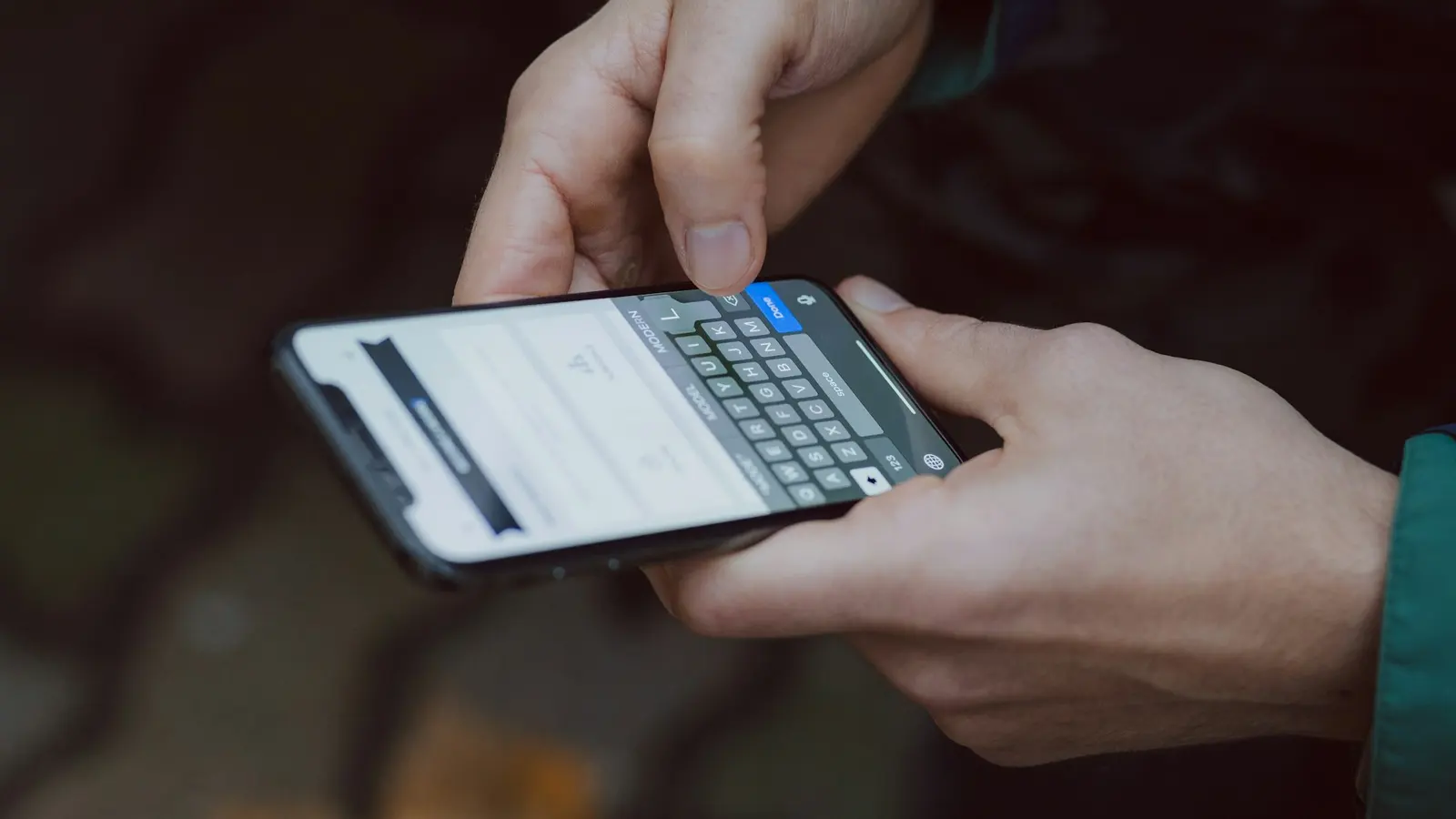
- Make buttons large enough to tap and forms easy to fill with a thumb.
- Test on a real mid-range phone, not only on your laptop.
Landing page checklist
Before you launch, check that the page:
- Repeats the promise of the ad or link in the headline
- States who it is for and the outcome they get
- Has one primary call to action, visible without scrolling
- Uses specific, first-person button text
- Shows real proof next to the call to action
- Answers the top three objections
- Has a short form with clear "what happens next" text
- Loads quickly on mobile
- Tracks conversions in your analytics and ad platforms
- Has a thank-you page or message that sets expectations
How to improve a landing page after launch
Launch is the start. Watch session recordings, check where visitors stop scrolling and look at form abandonment. Then test one meaningful change at a time: the headline, the offer, the proof or the form. If your traffic is limited, read our guide to A/B testing with low traffic.
Frequently asked questions
How long should a landing page be?
As long as it needs to be to answer the visitor's questions. Simple, low-risk offers can work with short pages. Expensive or complex offers usually need longer pages with more proof and objection handling.
Should a landing page have navigation?
Usually not the full site menu. Removing navigation reduces distractions. Keep a logo link and essential links such as privacy in the footer.
How many calls to action should a landing page have?
One primary action, repeated several times down the page. A secondary option, such as calling instead of filling in a form, is fine if it serves the same goal.
Want landing pages that turn ad clicks into leads? See our landing pages and sales funnels service or start with a free review of your current page.