
Quick answer: an effective church or nonprofit website makes it easy for newcomers to visit or get involved, keeps members informed, and makes giving simple and trustworthy. The essentials are a clear "Plan your visit" or "Get involved" path, up-to-date events, easy online giving, volunteer sign-up, stories that show impact, mobile-friendly and accessible design, and an editing system simple enough for volunteers to keep current.
Who your website serves
Church and nonprofit websites serve several audiences at once, each with a different question:
| Visitor | Their question | What the site should offer |
|---|---|---|
| Newcomer | "Is this place for me, and what should I expect?" | Visit information, beliefs or mission, photos of real people |
| Member or supporter | "What is happening this week?" | Events, schedules, announcements, livestream |
| Donor | "Can I trust this organization with my money?" | Impact stories, transparency, easy giving |
| Volunteer | "How can I help?" | Roles, time commitment, simple sign-up |
| Person in need | "Can you help me?" | Services, contact options, prayer or help requests |
Design the homepage so each of them finds their path within seconds.
Essential features
1. A clear "Plan your visit" or "Get involved" page
Service times, address with a map, parking, what to expect, children's programs, accessibility and a friendly photo of the people who will welcome them. For other nonprofits, explain how to attend, receive help or get involved.
2. Events and calendar
An events calendar that is easy for staff or volunteers to update, with clear dates, locations and registration links. Outdated events are one of the biggest trust killers on church websites.
3. Online giving
Make giving possible in a few taps on a phone. Use a trusted giving platform or payment provider, offer one-time and recurring options, and explain where the money goes. Keep the donate button visible in the header.
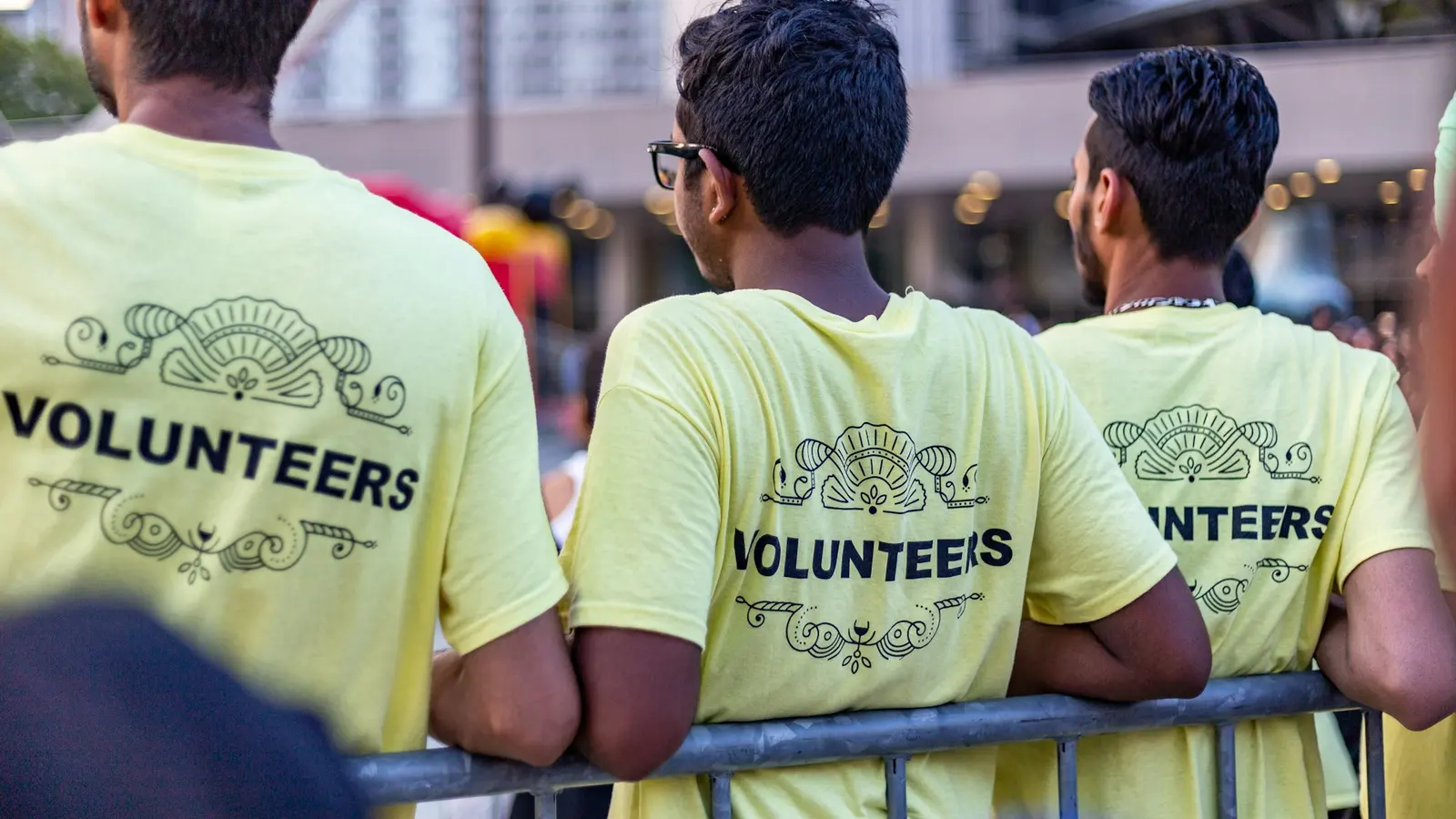
4. Volunteer sign-up
List specific roles with time commitments, and use a short sign-up form. Automatically confirm sign-ups and notify the coordinator.
5. Sermons, stories and impact
Recorded sermons, livestream links, testimonies and impact stories show what your community is about. Numbers help donors: meals served, families supported, people reached.
6. Beliefs, mission and leadership
A clear statement of beliefs or mission, plus real names and photos of leaders, builds trust with newcomers and donors.
7. Contact, prayer and help requests
Offer simple forms for prayer requests, pastoral care or help, with a clear note about privacy and who will read them.
Make it easy for volunteers to maintain
Many church and nonprofit sites go out of date because only one person knows how to edit them. Choose a content management system with simple editing, give roles to several people, and train them. Fewer, well-maintained pages beat many outdated ones.
Accessibility and mobile
Your community includes older people, people with disabilities and people on low-cost phones. Use readable font sizes, strong color contrast, descriptive link text, alt text for images, captions for video, and test everything on a phone.
SEO and visibility for churches and nonprofits
- Google Business Profile: complete it with service times, photos and your website link.
- Local keywords: people search for "church near me", "[denomination] church [town]" or "food bank [city]".
- Event and Organization schema to help search engines understand your activities.
- Google Ad Grants: eligible registered nonprofits can apply for up to $10,000 per month in free Google Search ads. It is a valuable source of visitors if your website has clear pages to send them to.
Examples from our work
We built the website for the Kabacan District of Seventh-day Adventist churches, which serves five congregations with events, Bible studies and prayer requests, and an information hub for WCPUM Retiree Affairs. Both were designed so non-technical teams can keep them current. See more in our portfolio.
Church and nonprofit website checklist
- Homepage paths for newcomers, members, donors and volunteers
- Plan your visit or get involved page with practical details
- Events calendar that volunteers can update
- Online giving that works in a few taps on mobile
- Volunteer roles and sign-up form
- Impact stories and transparency information
- Leaders' names and photos
- Prayer, help and contact forms with privacy notes
- Accessible, mobile-friendly design
- Google Business Profile and local SEO basics
Frequently asked questions
What should a church website include?
Service times and location, a plan-your-visit page, beliefs, leadership, events, sermons or livestream, online giving, ways to get involved and contact or prayer request forms.
How can a nonprofit website increase donations?
Make the donate button visible everywhere, keep the giving form short, offer recurring giving, show specific impact, and thank donors immediately with a confirmation and story.
Can volunteers manage the website?
Yes, if the site is built on a simple content management system with clear roles and some basic training. Keep the structure simple so updates are quick.
We design websites for churches, schools and nonprofits that are easy for volunteers to run. Explore our web design service or start with a free review of your current site.